Home
Our Process
Portfolio
FAQ
Where can I see your previous work?
Check out our portfolio at AppMakersLA.com/portfolio
What services do you offer?
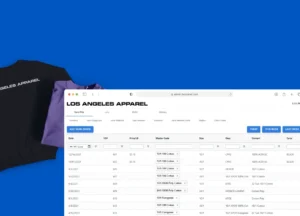
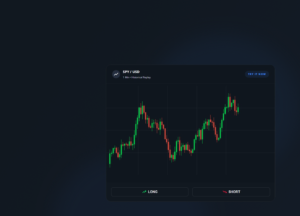
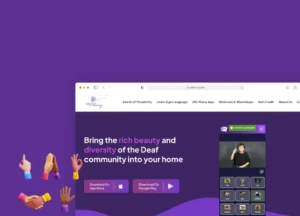
We are a Los Angeles app and web development company. As such, we offer: 1) Design for Apps, Webapps and Websites 2) Mobile App Development for iPhone Apps, Android Apps and iPad Apps & Web Development for Webapps. Each project includes full QA Services as well as a product manager.
Where are your app developers located?

Our app developers are mainly located at 1250 S Los Angeles St, Los Angeles, CA 90015, though we have other offices around the world, and we hire the best developers wherever and whenever we find them. If having engineers & designers in Los Angeles is critical to the project, we have the resources to make that happen.

How much do you charge for your services?
Our cost varies depending on the project. Please contact us for a mobile app development consulting session and we will get you an estimate + analysis pronto.
Can you build software for startups?
Yes, we consider ourselves a startup app development company, as well as an agency that builds software for already established firms.

Discover 30+ more FAQs
View all FAQs
Blog
About
Contact ussms IconCall Icon
We answer our phones!
iOS App Development

iOS App Development Company That Delivers

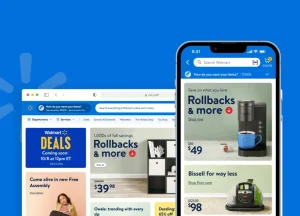
AppMakers USA is an iOS app development company that builds native Swift and SwiftUI apps for consumer, fintech, healthcare, and enterprise products. We have shipped to the App Store for clients from Walmart to early-stage startups since 2014, running discovery, build, App Store launch, and post-launch maintenance as one accountable team.

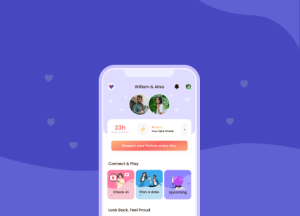
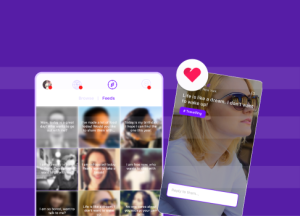
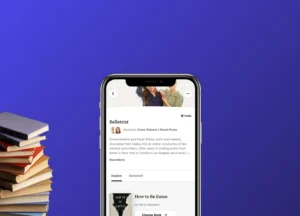
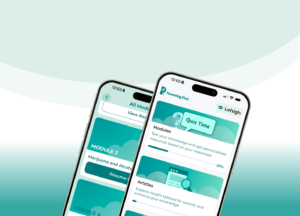
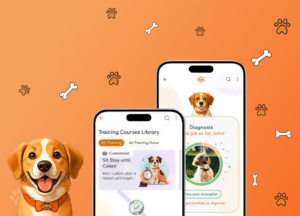
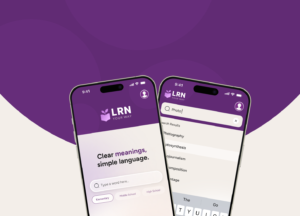
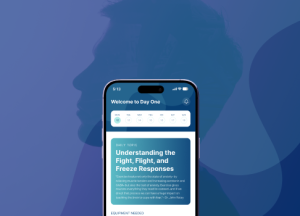
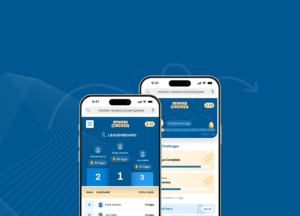
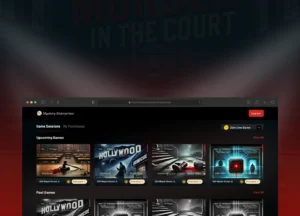
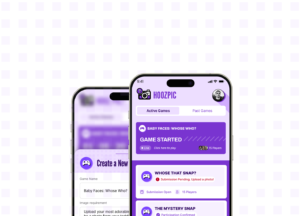
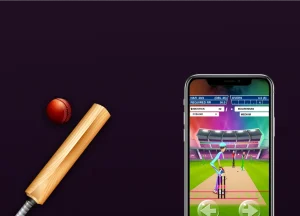
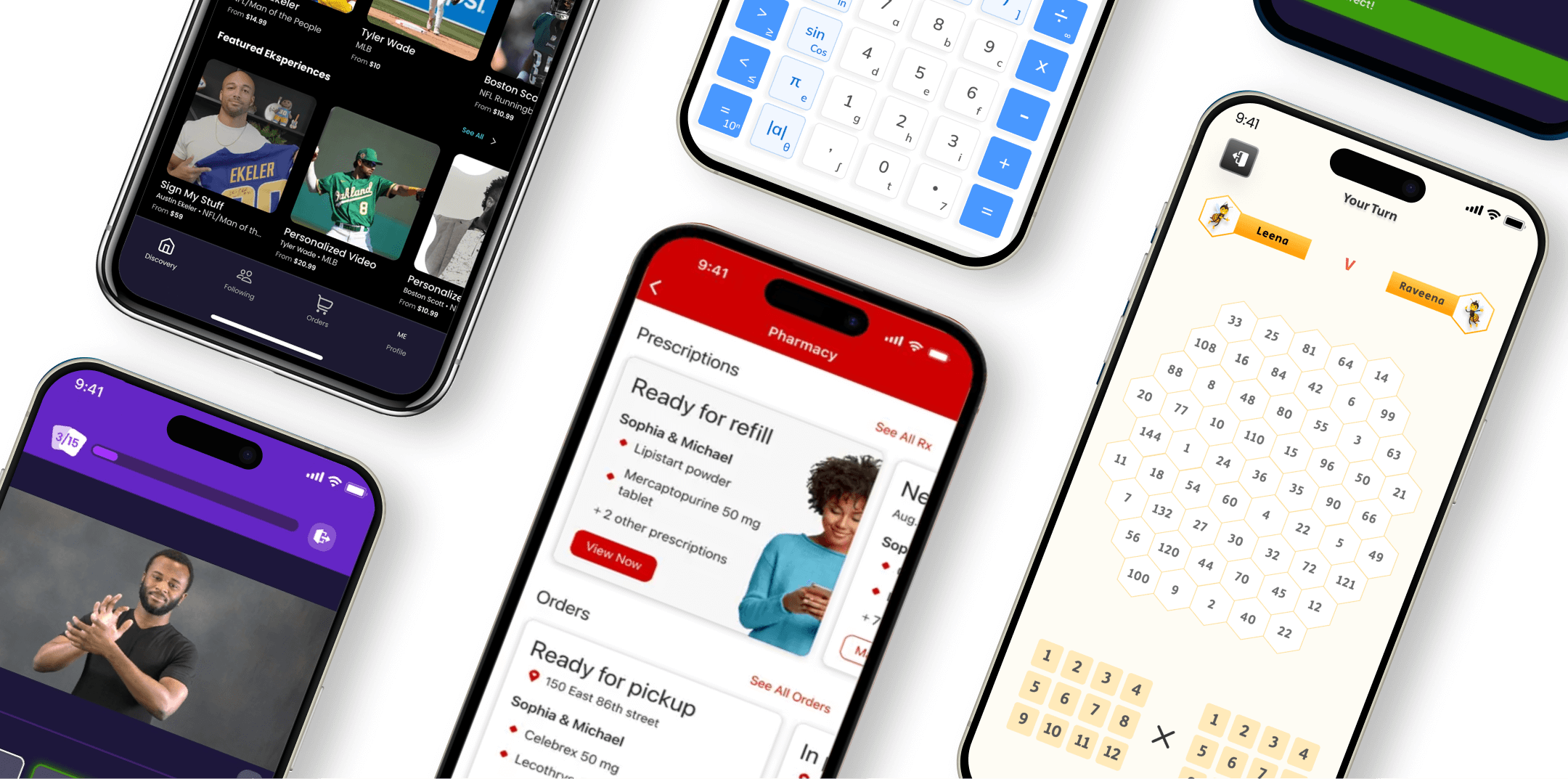
iOS apps built by AppMakers USA shown on iPhone
Clutch ★★★★★ 95 reviews
DesignRush ★★★★★ 59 reviews
GoodFirms ★★★★★ 91 reviews
Google ★★★★★ 76 reviews
Teams who shipped iOS with us
WalmartCVSFREENOWitalkiBayutTrillerNumber HiveClassCalcASL FlurryEksperienceBLIPBrain-Body Therapy WalmartCVSFREENOWitalkiBayutTrillerNumber HiveClassCalcASL FlurryEksperienceBLIPBrain-Body Therapy
400+
Apps Delivered
across the Apple ecosystem
100M+
Users Connected
on the apps we have shipped
$1B+
Client Funding Raised
by products we helped build
12+
Years of Experience
building since 2014
What we build

What kind of iOS apps do you build?

We build native iOS apps across the categories where the App Store rewards quality: consumer and social products, fintech and payments, healthcare and regulated software, education, marketplaces, and internal enterprise tools. We build greenfield apps from a spec, we rescue and take over stalled iOS projects, and we ship App Store Optimization as part of every launch. When a product needs the camera, on-device machine learning, Bluetooth peripherals, HealthKit, or Apple Pencil, native Swift is usually the right call. When it does not, we will tell you, and we will often recommend cross-platform instead.

Native iOS development

Greenfield Swift and SwiftUI builds, spec to App Store launch, with end-to-end ownership.

iOS app rescue & takeover

Stalled or broken iOS app. We assess in the first seven days, then rescue or rebuild.

Enterprise & internal tools

Field-worker apps, workflow systems, and internal platforms that run real operations.

Healthcare & regulated iOS

Offline-first, at-rest-encrypted apps for medical and compliance-bound use cases.

App Store Optimization

Listing, screenshots, preview video, and keyword work shipped with every launch.

Maintenance & UI/UX

Ongoing engineering, OS-version migrations, and post-launch UI refinement.

Proof

Which iOS apps have you actually shipped?

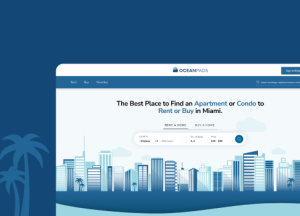
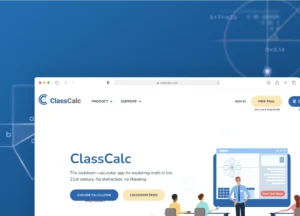
The fastest way to evaluate an iOS development company is to look at what it has actually shipped. Here is a sample of iOS work we have built for clients, plus the App Store data for the live listings, captured 2026-06-12. Ratings move over time, so check the live listing before relying on any figure.

The engineering moat

Three iOS builds worth seeing in detail

Because the numbers are checkable. No competitor narrates the actual engineering, so this is where you see how we solve the hard problems.

Education · scale

Number Hive

We built and scaled Number Hive, an elementary-math app that grew to 700,000+ students. That growth is what exposed the hard problem. After we scaled the backend horizontally, a GraphQL pub/sub flaw meant players were receiving real-time events from unrelated game sessions. We tightened event scoping around session identifiers and added client-side validation, so every player only saw their own game. The client came back after more than a year to keep building with us.

Healthcare · encryption

Cybionex, an FDA-class medical iPad app

We built this offline-first using WatermelonDB for the on-device SQL layer. WatermelonDB has no encryption support, and a medical app needs at-rest encryption on device. Rather than swap libraries and lose the sync engine, we forked WatermelonDB and patched in SQLCipher at the native adapter layer. The fork is open-sourced.

AR · on-device ML

AcuHealth.Life, AR acupressure guidance

We built the hand-tracking AR overlay in native Swift wrapping Google's MediaPipe Hand Landmarker for on-device landmark detection. We went native rather than cross-platform because on-device machine learning plus real-time AR rendering needed direct access to the camera pipeline and GPU surfaces. A cross-platform shim would have added latency we could not afford on a 60fps overlay.

Let us bring your iOS idea to life

Book a free discovery call. We will run the native-versus-cross-platform framework with you and scope the build honestly, before you commit a dollar.

The decision

Should you build native iOS or cross-platform?

The most common question in iOS discovery is whether to build native Swift and SwiftUI or cross-platform with React Native or Flutter. The answer changes the budget by 30 to 60 percent and changes your maintenance posture for the next five years. Here is the framework we run inside the discovery call. We will run it with you on yours.

Choose native Swift when

  • The product leans on the camera, ARKit, on-device Core ML, Bluetooth, or HealthKit.
  • Animation density and gesture feel are the product's identity.
  • You have or plan to hire iOS engineers, so five-year cost favors native.
  • iPad, Apple Watch, or Mac is on the roadmap.

Choose cross-platform when

  • The product is content-first with little hardware dependency.
  • You need both platforms live on a tight budget with no plans to hire.
  • Speed to validate matters more than native polish.
  • React Native or Flutter gives faster time-to-market for your case.
1Hardware-tight surfaces

Camera, ARKit, on-device Core ML inference, Bluetooth peripherals, Apple Pencil, watchOS companions, Live Activities, App Clips. Native almost always wins. A cross-platform shim either does not expose the API or exposes it with a latency or battery cost you will feel. This is why we built AcuHealth's AR overlay and Cybionex's medical sync in native Swift.

2Animation density and gesture complexity

A product whose identity lives in the interaction ships better native. We have watched cross-platform animation systems hit a wall around 60fps under load. SwiftUI does not.

3Team continuity after launch

If you have iOS engineers on staff or you plan to hire, native is cheaper over five years even if it costs more in week one. If one founder-engineer is doing both platforms with no plans to hire, cross-platform pays for itself fast.

4Apple-platform expansion roadmap

If iPad, Apple Watch, or Mac is on the roadmap, native sets you up for it. Cross-platform usually does not.

5App Store review risk

Apple has a higher tolerance for native code paths. Cross-platform UI patterns occasionally trip review rejections. Not a blocker, a tilt factor.

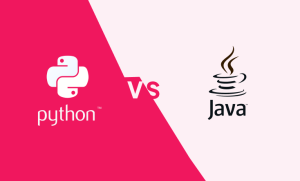
We will not push you toward native to grow the contract, and we will not push you toward cross-platform to ship faster. We run the framework, log the decision, and tell you which way the data points. Plenty of the iOS briefs we run come out cross-platform, often React Native, and we build those too.
Under the hood

How do you build native iOS apps?

Swift is the language. SwiftUI is the default UI framework for new builds, with UIKit bridges where a specific control is still UIKit-native. We pick the framework screen by screen against the constraint, not as a fixed position.

Swift 5+SwiftUIUIKit bridgesSwift ConcurrencySwiftData / Core DataCloudKitCore MLARKitHealthKitStoreKitMapKitSQLCipherPostGIS

For the product surface we reach for the right Apple framework directly: Core ML for on-device inference, ARKit for spatial features, HealthKit for health data, StoreKit for purchases, MapKit for maps. On data-heavy or offline-first builds we have shipped patterns like on-device encrypted SQL (the WatermelonDB plus SQLCipher fork we open-sourced for Cybionex) and geo-aware querying with PostGIS where a build needed real Earth-distance math rather than flat latitude and longitude.

Our senior iOS engineers use AI-assisted tooling inside Xcode for faster scaffolding, review, and test generation. The senior engineer is in the chair. The AI is the apprentice, not the architect. We pass the time savings through in the quote and we do not bill a separate AI line item. More on how we use AI in production at our AI development page.
Apple ecosystem

Do you build for every Apple device?

We build for the Apple devices your product roadmap actually needs. Tap through to see how we treat each surface. The decision is logged in discovery, not assumed at quote time.

iPhone

The default surface, and where most iOS products live and launch. Native Swift and SwiftUI, built to Apple's interface conventions so the app feels like an iOS app and not a port.

iPad

iPad usually ships in the same SwiftUI codebase, adapted for the larger canvas with split views and pointer support where the workflow benefits. Our Cybionex medical build shipped on iPad.

Apple Watch

Apple Watch ships as a companion target where a glanceable surface adds real value. We scope it when the wrist genuinely improves the product, not as a checkbox.

Mac (Catalyst)

We bring the iPad app to the desktop through Catalyst when the workflow benefits from a larger window and a keyboard, without rebuilding from scratch.

Apple Vision Pro

We build for Vision Pro where the product genuinely fits the spatial platform, not by default. Discovery decides whether the roadmap earns it.

How we work

What does your iOS development process look like?

Every iOS project runs through the same five phases. The phases do not change. What changes is how much weight each one carries for your product. Discovery does the most work, because most failed iOS projects fail in the scope, not the code.

Discovery & Strategy

We pressure-test the brief against the real user problem, the native-versus-cross-platform decision, and the budget. Free, and we will say if it is not a fit.

Design & Prototyping

Screen flows and UI built to Apple's interface conventions, prototyped early so the feel is right before code hardens.

Lean Development

Swift and SwiftUI build by an accountable team, in tight iterations, with senior engineers reading every release end to end.

Testing & User Feedback

Tested on the device matrix your users actually carry, not only the simulator, with real-user feedback folded back in.

Launch & Scale

App Store submission, review correspondence, and ASO, then maintenance and feature work as the product scales.

Client reviews

What clients say about working with us

We would rather you hear it from the people who hired us than from us.

Budget

What does it cost to build an iOS app?

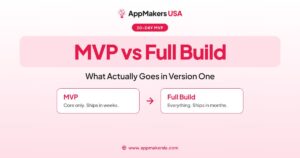
An iOS app build is scoped to the product, so the honest answer is a range. A focused single-platform iOS app runs roughly nine to twelve weeks. An MVP-scoped build is shorter and runs through our 30-Day MVP offer. We quote against your actual spec, not a category average. Below is the honest part most agencies leave out: when native iOS is the wrong call.

What you are paying for

  • Senior engineers reading every release, not just offshore throughput.
  • A product manager and full QA on every project.
  • App Store submission at launch.
  • A fixed scope set in discovery, quoted against your spec.

When native is not the right spend

  • The product is content-first with little hardware dependency.
  • You need both platforms live on a tight budget with no plans to hire.
  • You are validating a concept and speed beats polish.
  • In those cases we recommend cross-platform, and build it.
From our CEO

A note on how we think about iOS builds

An iOS build is two projects in one box. You are building the app, and you are building the App Store presence the app lives inside. Most teams treat the second one as something marketing will handle after launch, and by then the install funnel is already leaking. We treat the listing as a launch deliverable, not an afterthought. The build has to be read end to end by a human before it ships. Those two habits prevent most of the failures we get hired to fix.

Daniel Haiem, CEO, AppMakers USA
FAQ

iOS app development FAQs

What does an iOS app development company do?

An iOS app development company designs, builds, tests, and launches apps for iPhone and other Apple devices, then maintains them after launch. AppMakers USA runs all of that as one team: discovery, native Swift and SwiftUI development, App Store submission, App Store Optimization, and post-launch engineering. We have shipped iOS apps for clients from Walmart to early-stage startups since 2014.

How much does it cost to hire an iOS app development company?

Cost depends on scope, so the honest answer is a range. A focused single-platform iOS app typically runs nine to twelve weeks of build time. An MVP-scoped build is shorter and runs through our 30-Day MVP offer. We quote against your actual specification rather than a category average, and on the first call we will tell you honestly whether native iOS or cross-platform is the better spend for your product.

Do you build iOS apps in Swift or a cross-platform framework?

Both. We default to native Swift and SwiftUI when the product needs the camera, on-device machine learning, Bluetooth, HealthKit, or dense animation. We ship React Native or Flutter when a content-first product, a tight two-platform budget, or a speed-to-validate goal points that way. The decision runs through a five-factor framework on the first discovery call, and we log which way the data points.
Can you ship iOS apps that use Core ML, ARKit, or HealthKit?

Yes. Core ML for on-device inference, ARKit for spatial features, HealthKit for health data. We pick the surface based on your latency, privacy, and battery constraints. We have built native AR hand-tracking with on-device machine learning and at-rest-encrypted medical iOS storage, so these are not theoretical capabilities for us.
Can you rescue an iOS app another company started?

Yes. App rescue and takeover is a core service line. We assess the existing codebase in the first seven days, tell you honestly whether to rescue or rebuild, and then execute that path. Trying to both fix and rebuild on a tight budget rarely works, so we decide which one upfront. See our iOS app rescue page, plus our guides on recovering an offshore app and what a code audit looks for.

Where is AppMakers USA located?

AppMakers USA is headquartered at 1250 S Los Angeles St, Los Angeles, CA 90015, with offices in Santa Monica, New York, and San Diego. Our 60-plus engineers work across those four locations, and we build for iOS clients across the United States, Europe, and beyond. The Los Angeles office is our headquarters, not a limit on where we work.

Start your iOS project

Tell us what you are trying to build. We will run the native-versus-cross-platform framework with you on a free call, scope the engagement honestly, and tell you within a week whether it is a fit. If it is, we ship. If it is not, we will say so on the call.

Copyright © 2026 AppMakers. All Rights Reserved
Follow us on socials: