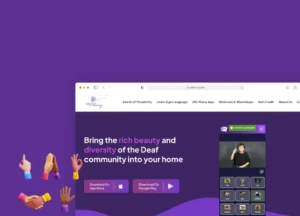
ASL Flurry needed to reach learners on iOS, Android, and the web — simultaneously, with live multiplayer, and without doubling the build. Here's how we shipped it.
ASL Flurry's mission is simple: make American Sign Language accessible to anyone, anywhere. But "anyone, anywhere" means students on iPhones, teachers on Android, and institutions on desktop browsers — all expecting the same experience.
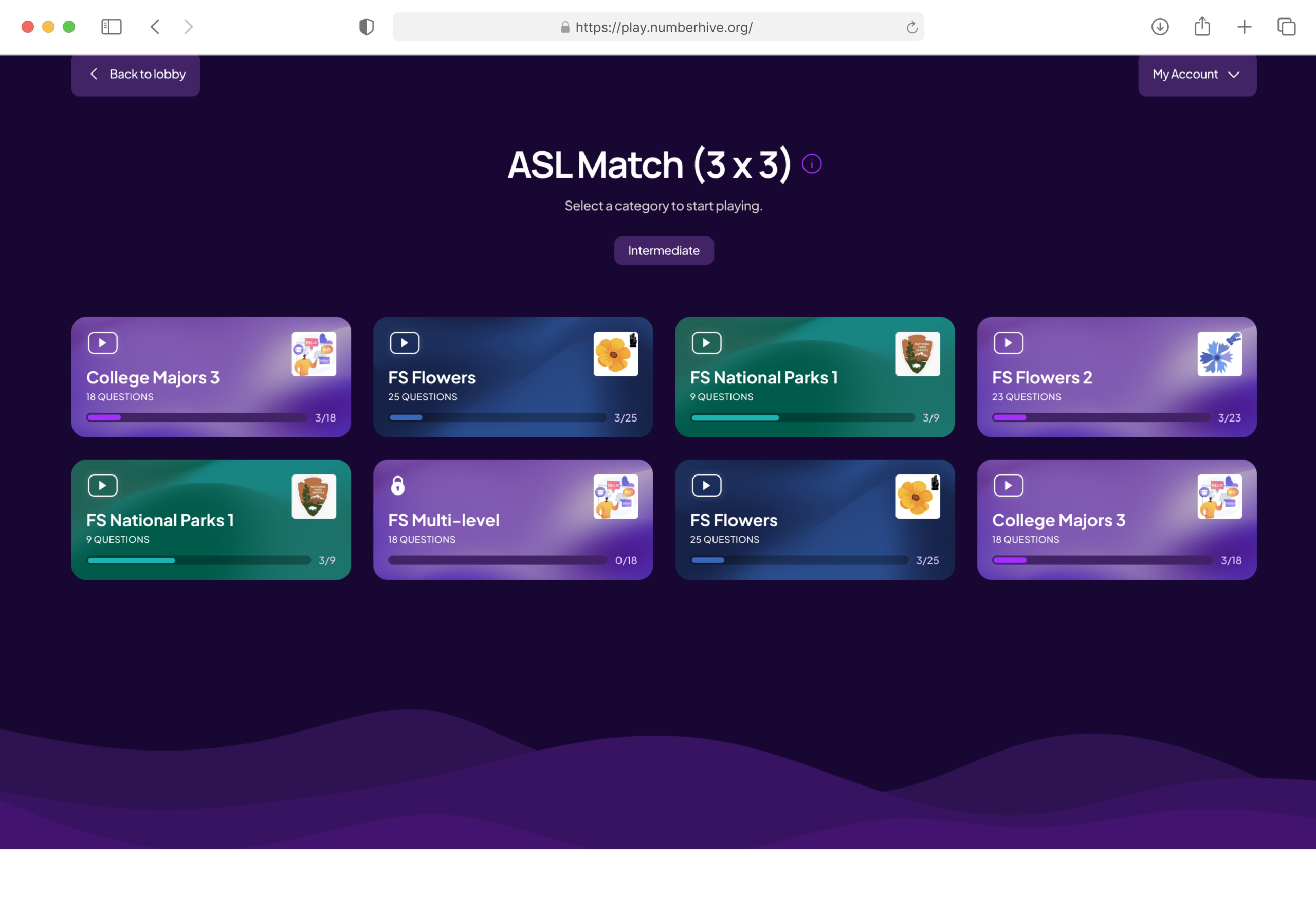
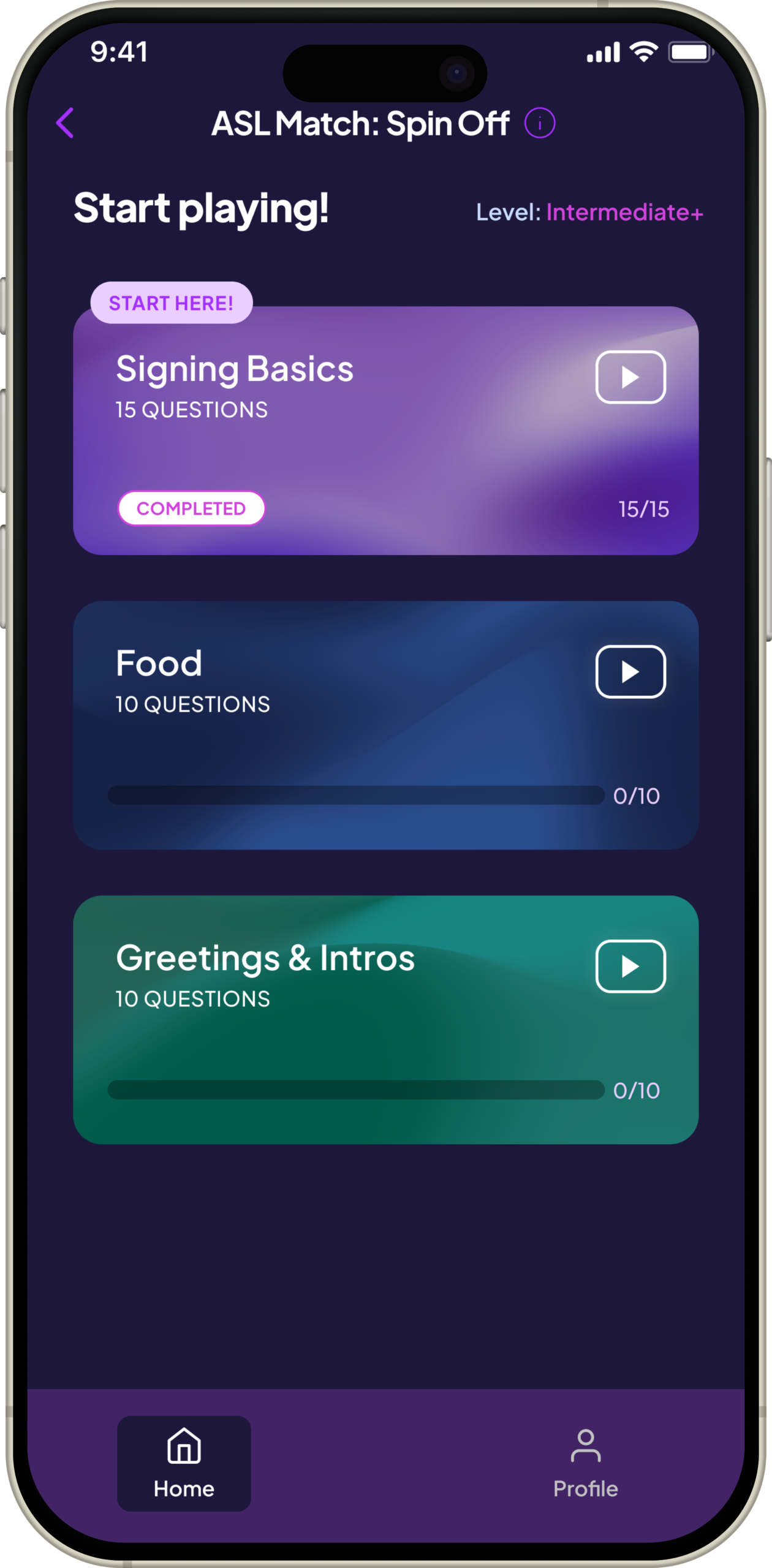
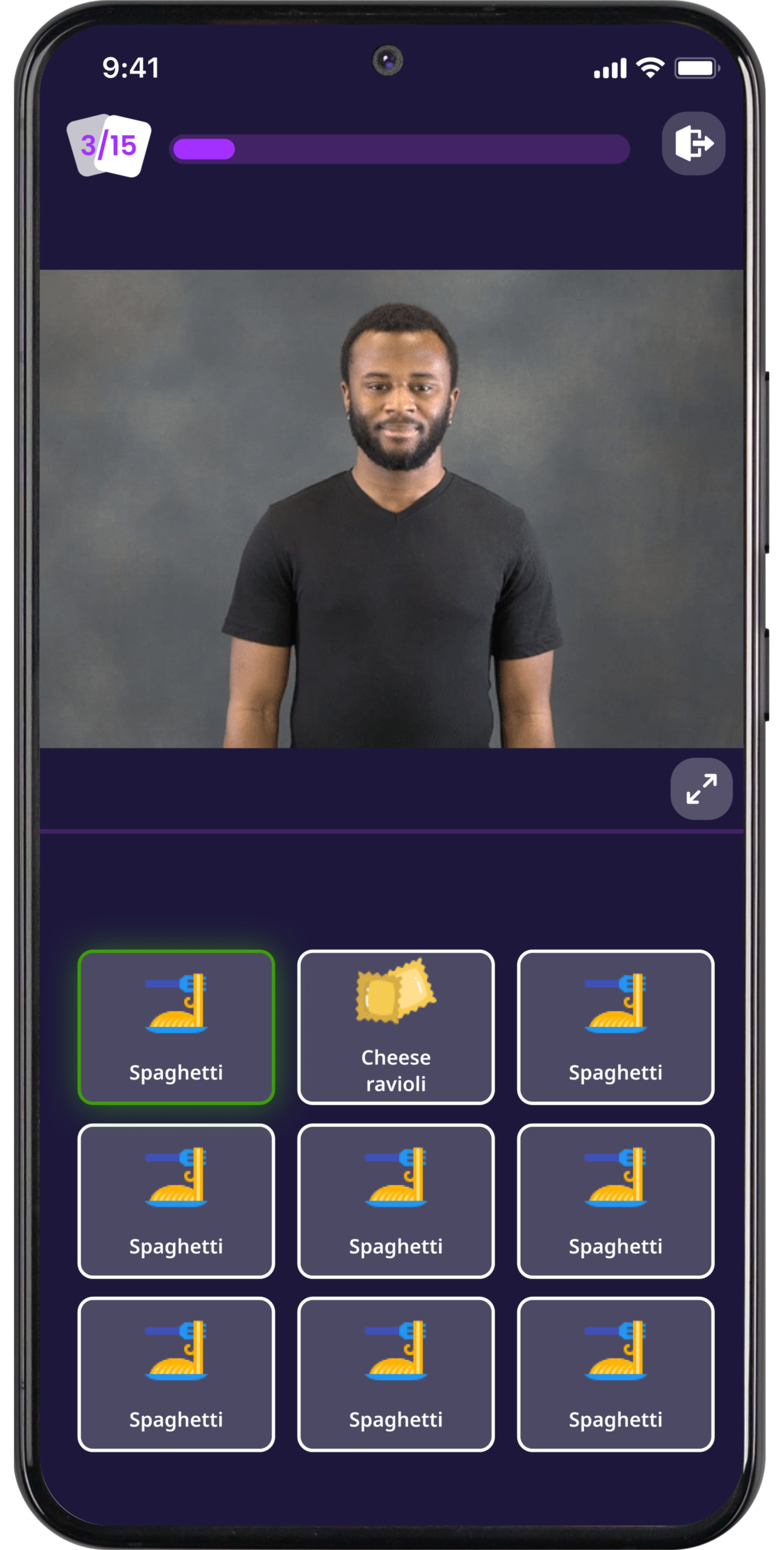
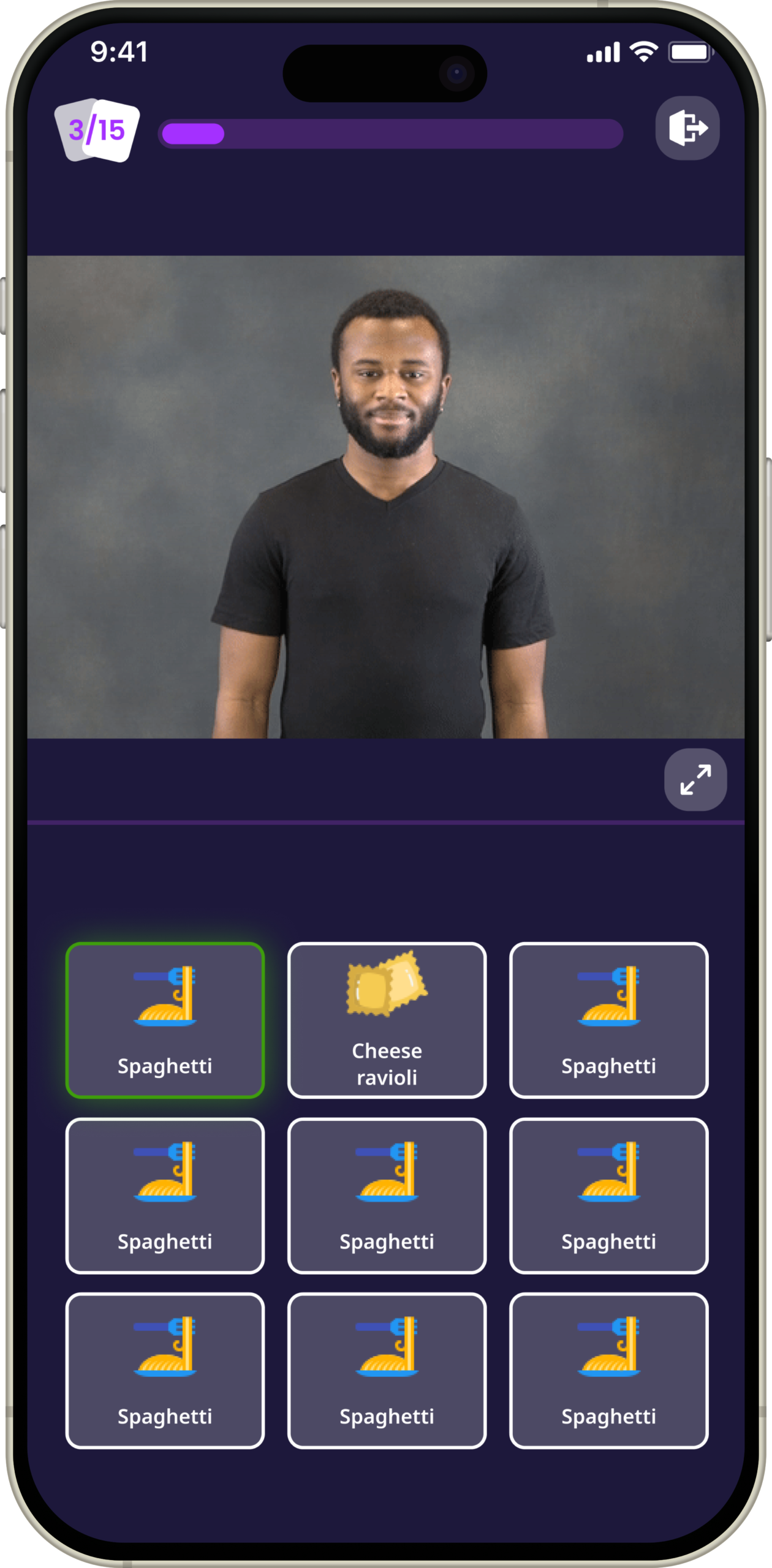
Their curriculum spans instructor-led video, interactive flashcard drills, timed vocabulary games, and a live competition mode where students race each other on signing speed. That's a wide surface to build — and maintain — across three targets at once.
They came to us needing one team, one codebase, and a long-term partner who understood education software. We've been with them for over two years.
We chose React Native Web because it lets us write components once and target iOS, Android, and the browser from a single repo. Native device features — camera, push notifications, haptics — stay native. All UI and business logic lives in shared code. Maintenance stays sane.
Every screen — the course map, the flashcard drill, the leaderboard — is one component. State management, navigation, and API calls are fully shared.
Platform-specific code is isolated to thin adapters: camera permissions on iOS, notification channels on Android, URL routing on web. A bug fix ships to all three platforms in a single PR.
Cross-platform parity sounds clean on paper. In practice, the edges bite. Three problems that weren't in any tutorial.
ASL Match lets two students compete live on sign recognition. Pusher handles the channel plumbing — but when one player is on LTE and another on spotty campus Wi-Fi, naive timestamps produce different winners. We built a custom reconnection and state-recovery layer that re-syncs game state on rejoin without losing either player's score.
Short game-room codes (e.g. "8B3K") need to be unique but easy to type on a phone. A random-then-check-DB approach introduces race conditions and N+1 DB lookups at load. We replaced it with sequence-based deterministic code generation — the server derives the code from a monotonic counter via base-32 encoding. Zero collision checks, zero retries.

The lesson view pairs an instructor video with a text input for typed answers. On Android, the software keyboard fires resize events that push the video off-screen. React Native's default keyboard-avoidance can't distinguish "scroll the list" from "keep the video visible."
One build, three storefronts. Same curriculum, same game modes, same real-time multiplayer — tuned to wherever the student is.
Full curriculum, push notifications, offline video caching, and native haptic feedback on correct answers.
Identical learning experience — with Android-native notification channels, back-gesture support, and the keyboard/video fix.
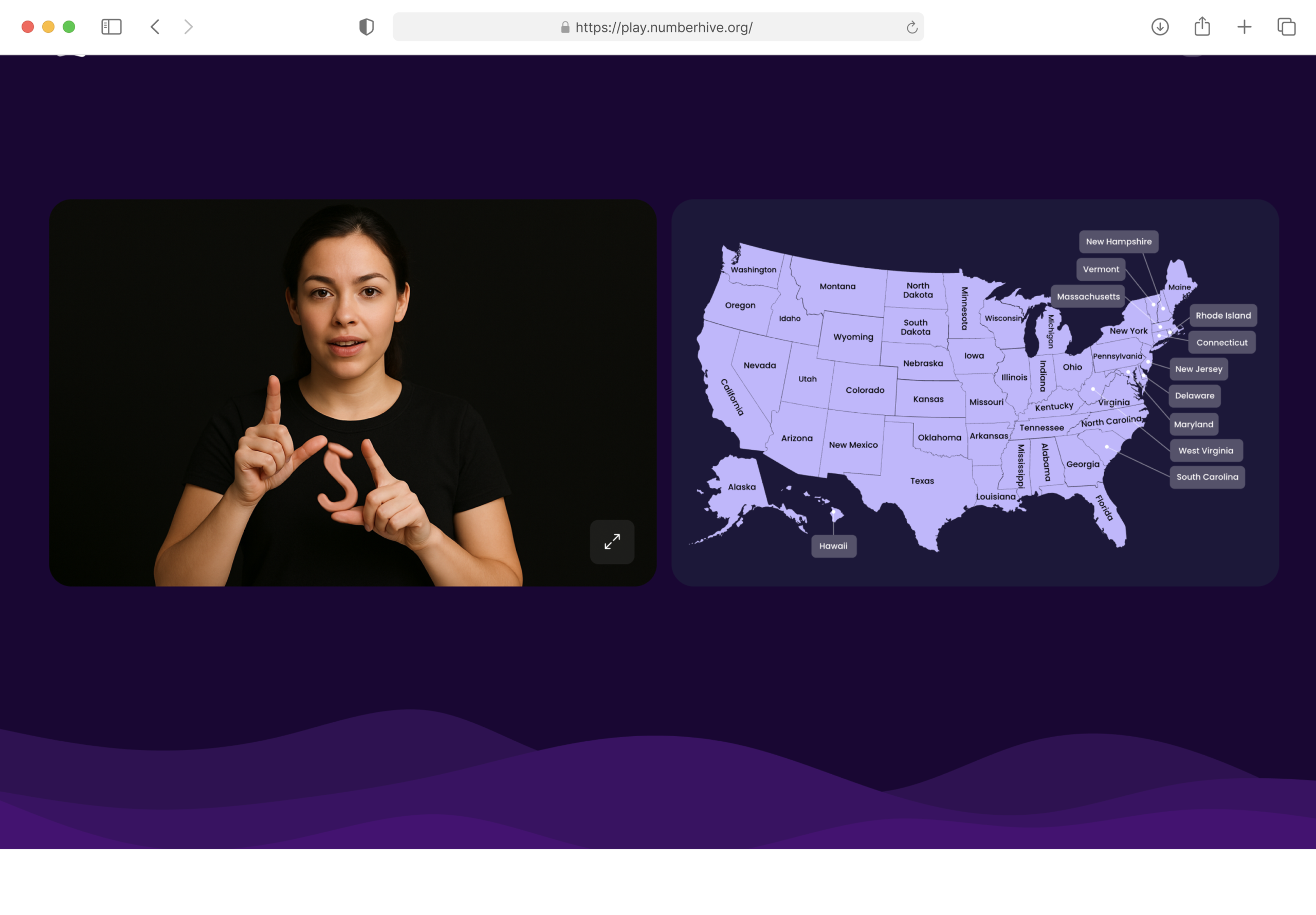
Full-parity web app — no install required. Ideal for institutional use: classrooms, libraries, campus computer labs.
Whether a student is on a commuter train with an iPhone or at a campus lab on a PC, ASL Flurry meets them there. No capability degradation. No "web version" cut-corners. Same flashcard drill, same ASL Match lobby, same leaderboard.
We didn't just ship and leave. Two years in, we're still the team behind every update, every new module, and every feature request from ASL Flurry's instructors and student community.
We've shipped cross-platform products in education, workforce, and consumer — without tripling the scope or the budget. Let's talk.
Cross-platform doesn't have to mean cross-budget. We've done this for education apps, workforce platforms, and consumer products. Tell us what you're building.